Mac & iPhone · Zebra label printers
Print labels from anywhere. Or just your desk.
Backfeed finds the Zebra printers on your network, keeps them calibrated and test-printing for free, and prints your own labels, locally or from anywhere with Backfeed Cloud.

 macOS 14 or later · iPhone & iPad, iOS 17 or later
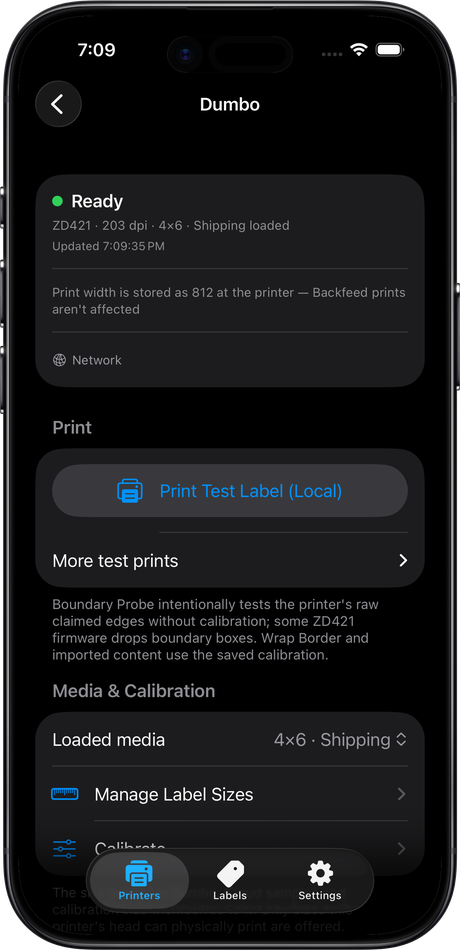
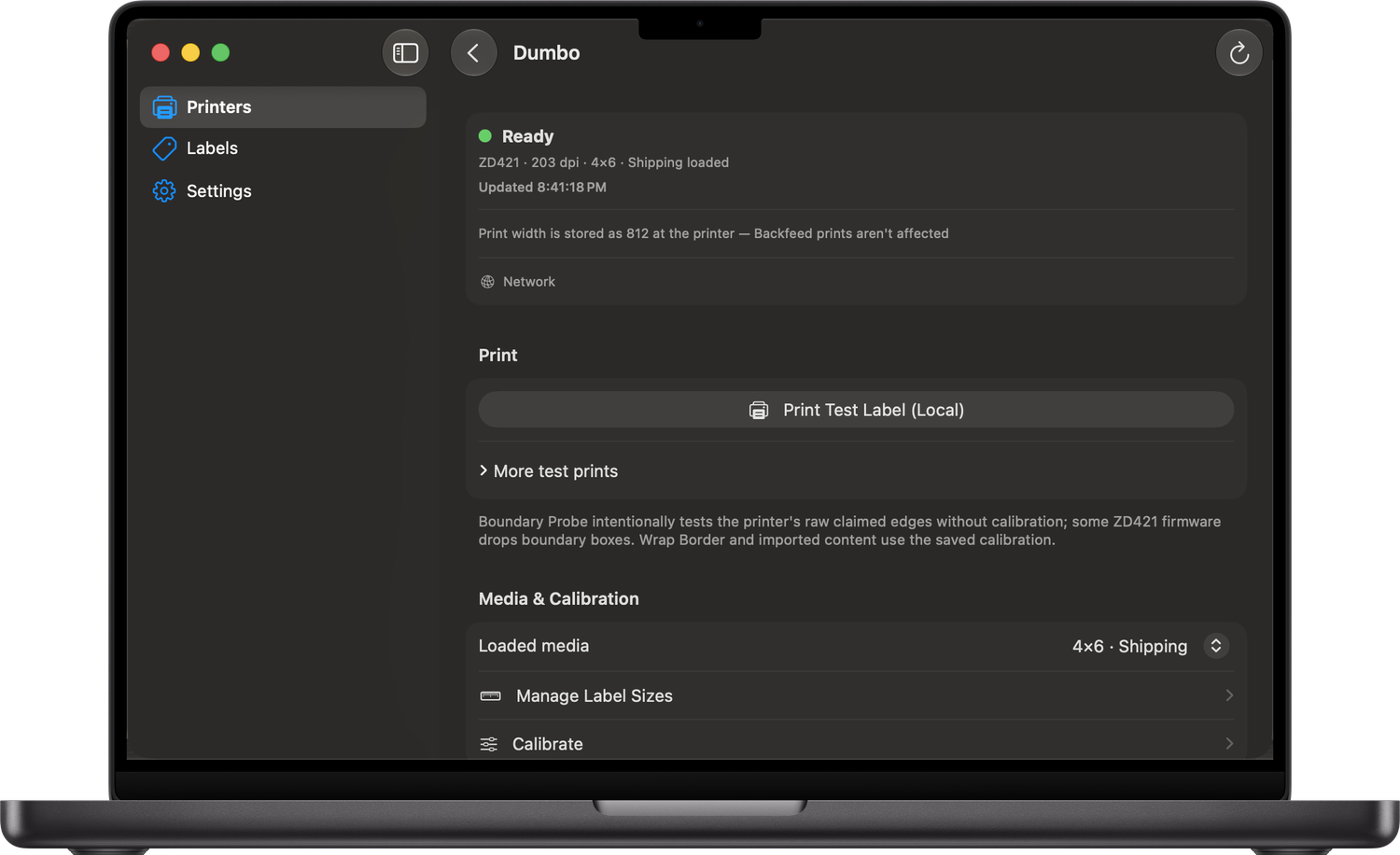
On Mac, iPhone and iPad. One purchase covers all three.
How it’s priced
Managing is free. Printing your own labels is the paid part.
Finding, managing, calibrating and test-printing your printers costs you nothing. Printing your own labels needs either the one-time Backfeed Local unlock or a Backfeed Cloud subscription, which also prints and manages from anywhere.
Prove the app works with your hardware before you pay a cent. No sign-up, no backend.
- Find Zebra printers on your network automatically
- Set up a brand-new printer over Bluetooth: Backfeed hands it your Wi-Fi
- Add a printer by IP on another subnet
- Manage media sizes and calibrate
- Print a test label
- Printing your own labels
Buy once, own it. Print your own PDFs and images over your local network, forever.
- Everything in Free
- Print your own PDFs and images
- Import from Files/Finder or drag-and-drop
- Open PDFs and images directly in Backfeed
- Printing from off your network
1 printer $3.99 · 5 printers $15.99 · up to 25 printers $39.99, per month
Print to your printers from anywhere, over a relay. Includes local content printing while subscribed.
- Everything in Backfeed Local, for as long as you subscribe
- Print from anywhere, without being on the same network
- Tiers by printer count; upgrade as your fleet grows
The free trial runs 14 days on any Backfeed Cloud tier. While a Cloud subscription is active it includes local content printing, so you don’t need the Local unlock as well. If the subscription lapses, that local printing stops with it. The one-time Backfeed Local unlock is yours permanently and survives a lapse.
Finding, managing and test-printing your printers is free.
macOS 14 or later · iPhone & iPad, iOS 17 or later
Local vs Cloud
Two ways to print your own labels.
Local prints stay on your network and talk straight to the printer. Cloud adds a relay so you can print and manage the same printers when you’re nowhere near them.
Backfeed Local one-time
- Prints directly to the printer over your LAN
- PDF and image printing with a live label preview
- Import in-app, use Open With, or drag-and-drop on Mac
- No account, no relay, nothing leaves your network
- Can’t reach a printer on a network you’re not on
Backfeed Cloud subscription
- Print to a printer from anywhere through the relay
- Includes everything Local does, on your network too
- Priced by how many printers you connect
Works with Zebra ZD-series network label printers.
Backfeed talks to network-capable Zebra ZD printers (ZD410, ZD411, ZD421) directly: no Zebra SDK, no cloud account for local use. A brand-new printer can join your Wi-Fi straight from the app over Bluetooth. More vendors are planned; today it’s Zebra.
Get Backfeed.
On the App Store for Mac, iPhone and iPad.